Features
Your files. Securely organized.
Store securely, share easily and work together – across all your devices.
01
WebDAV integration
Use your encrypted files with existing tools like rclone: a self-hosted WebDAV instance connects Scramble to your workflow.
WebDAV documentation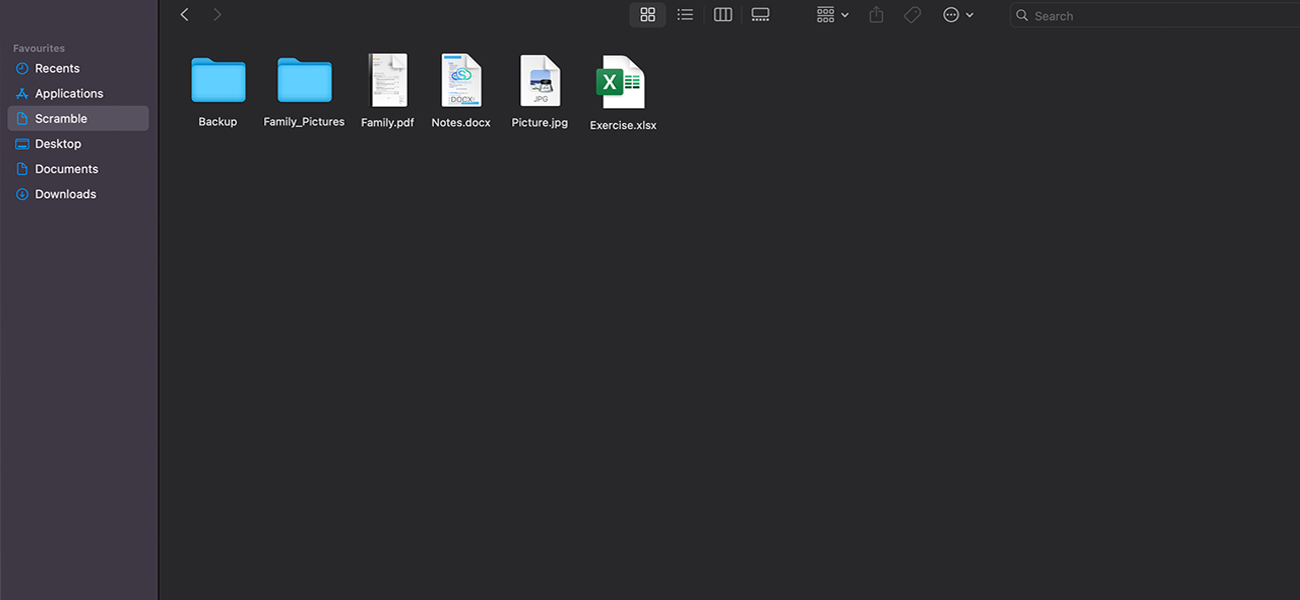
02
Mobile app
Your files on the go: securely upload, organize and preview content. With automatic photo and video backup (coming soon).
 Available onGoogle Play
 Coming soon onApp Store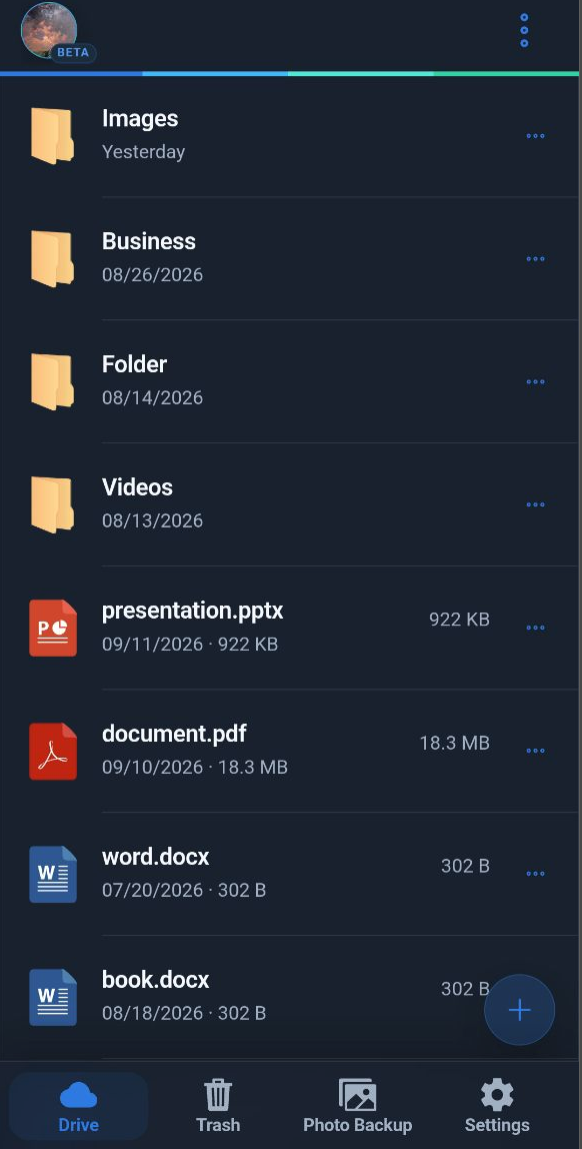
03
Encrypted storage
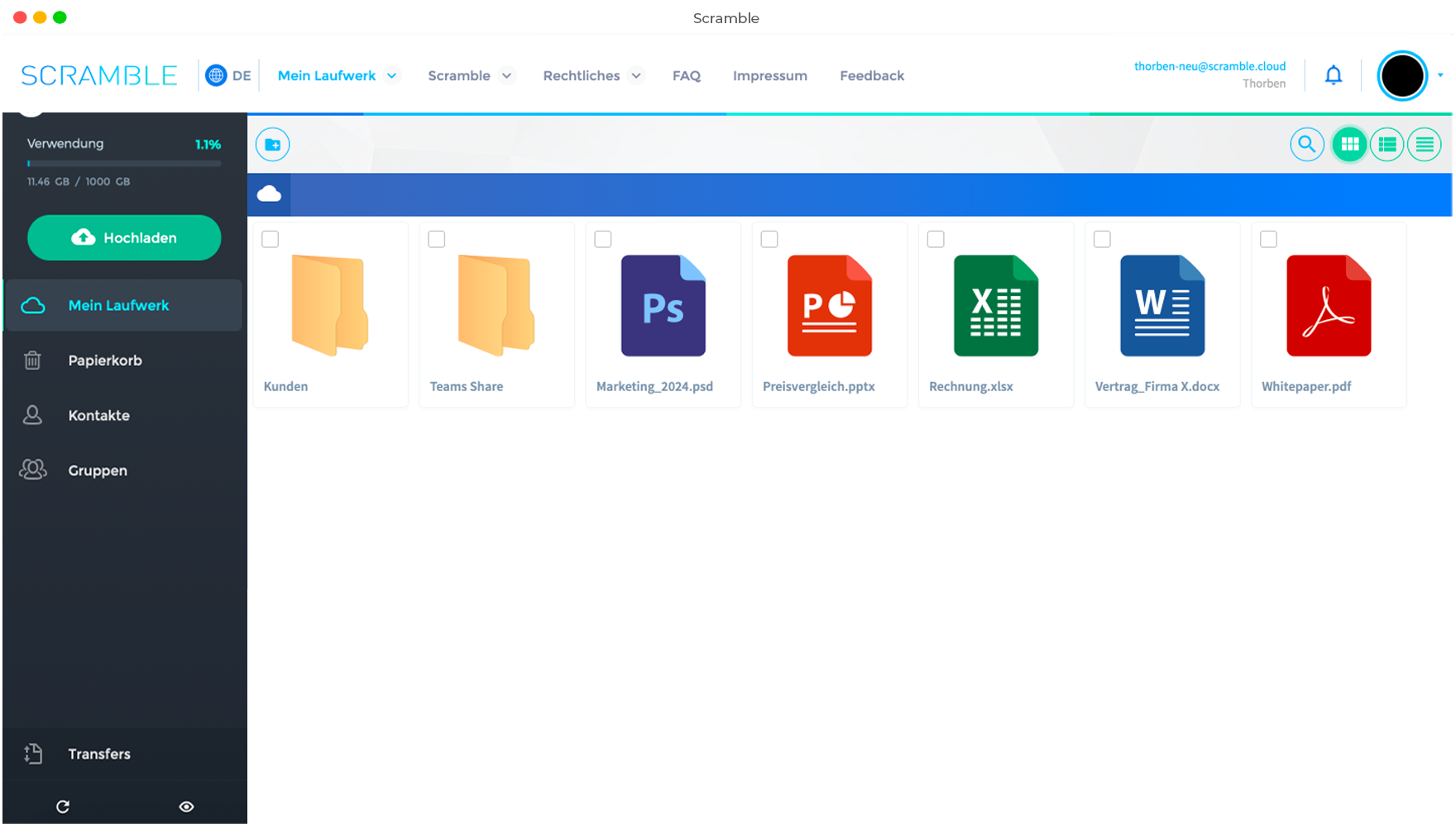
Store files, photos and videos securely, organize them in folders and preview them directly.
04
File & folder sharing
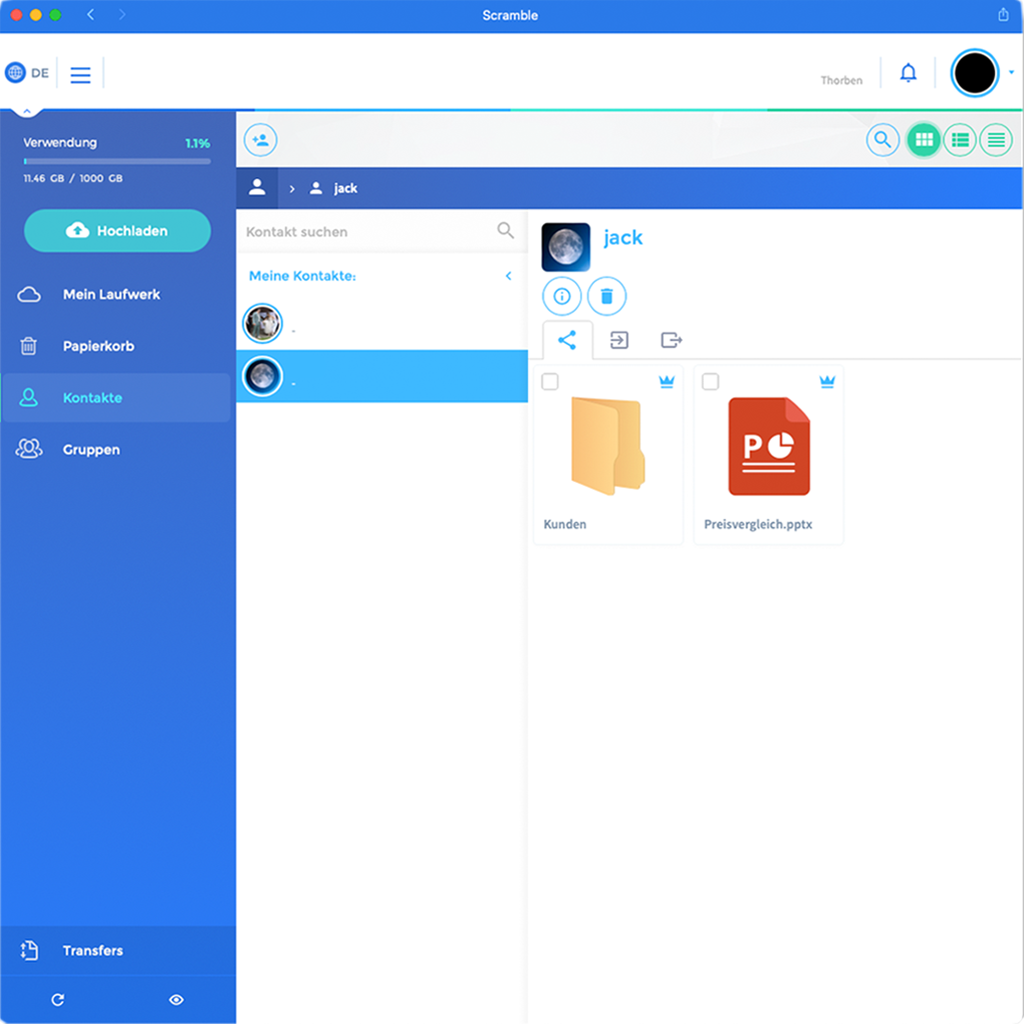
Send protected links or share files directly with contacts. Team Link lets external partners upload files and collaborate without an account.
05
Groups & permissions
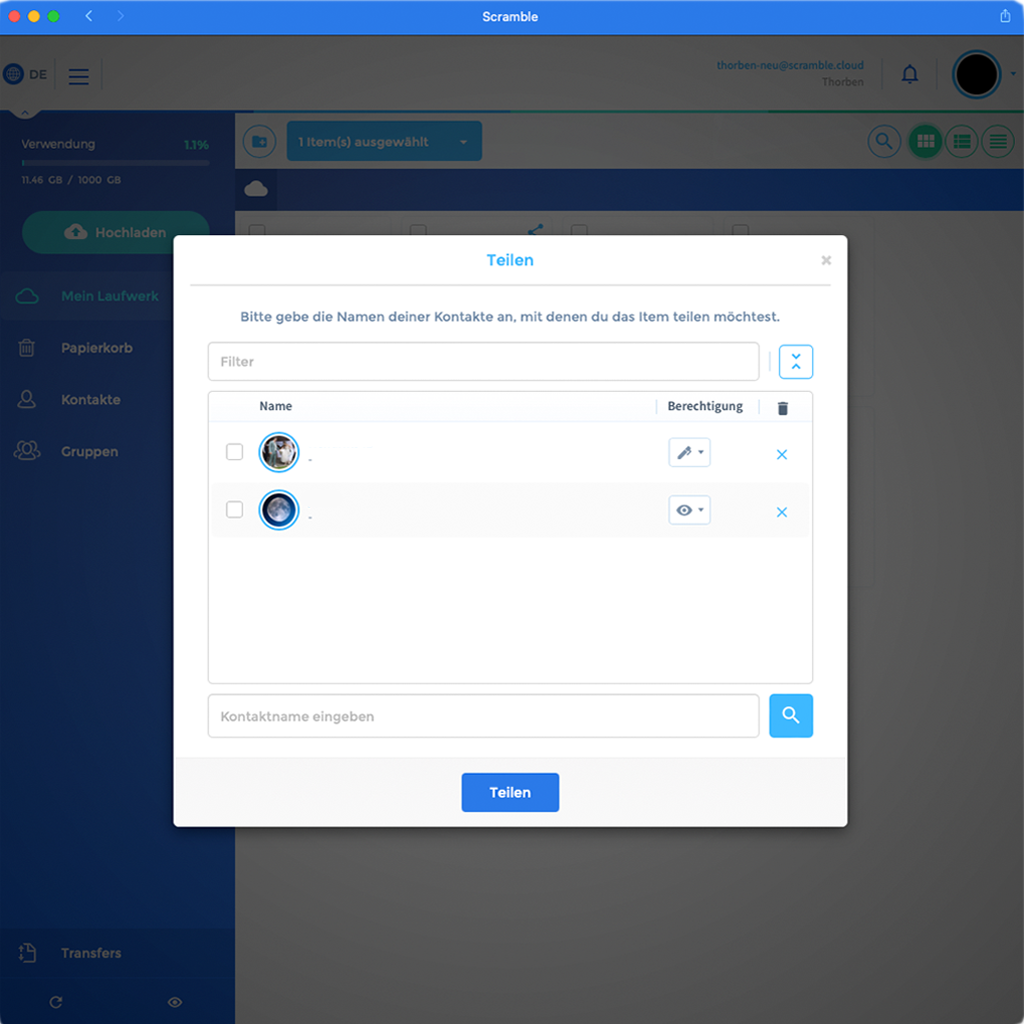
Work together and choose who can view, upload or manage your files.
06
Encrypted video streaming
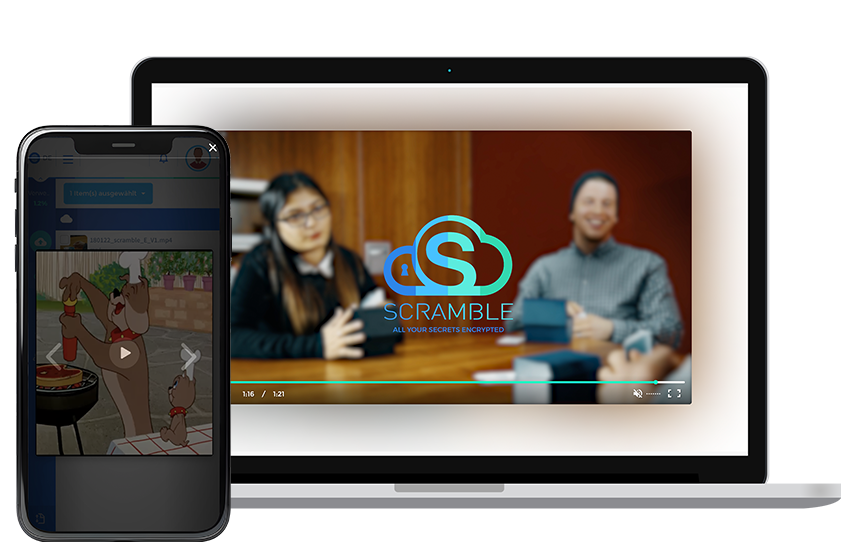
Upload videos securely and stream them directly. Share encrypted videos via private links or with other Scramble users.
Office 365 integration
Encrypted file sharing directly in Microsoft Teams and Outlook.